



Highflybet Mobile
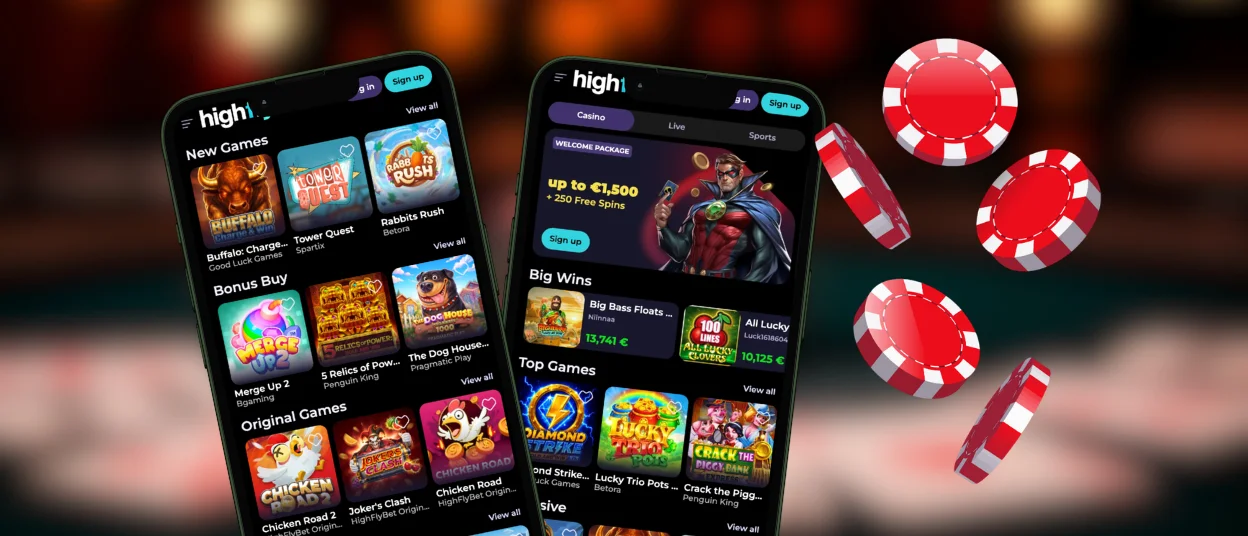
All users who open the Highflybet app for the first time will immediately notice the difference. Playing on the go has never been this convenient. We’ve carefully ported all the features from the browser version and added many unique capabilities. For example, the app drains your battery much more slowly thanks to optimizations and all buttons are designed for ease of use and are placed intuitively, so even a small screen won’t cause any discomfort. You can download the application on personal computers and on iOS and Android mobile devices.



Mobile Gaming at Highflybet
Playing at the Highfly Bet Casino mobile application opens up a wide range of new possibilities that weren’t available before. We’ve compiled the key differences between playing at our PWA and other platforms:
| Application Feature | Browser Version |
| Native full-screen mode | Restricted browser edition |
| Direct push notification | Notifications appear only in your browser |
| Power-Saving Mode | Normal battery drain |
| One-Tap Launch | Requires typing the URL or navigating through bookmarks |
| Faster Load Times | Standard browser loading speed |
| Offline Access to Menus | Totally dependent on a good connection to load pages |
Some of these features at Highflybet Casino are also available in the desktop version, making it an excellent choice for players as well.
Why PWA?
We chose the PWA format as the primary platform for our Highflybet app for several reasons. One of the key reasons is that it allows users to access the game even in places where the internet connection isn’t very stable. The PWA handles this perfectly, since installation takes just a few seconds.
Also, the application doesn’t take up space on your device, so you don’t have to frantically free up storage space. We prioritize security, which is why the installation happens directly from our Highflybet Casino website, ensuring that your data won’t fall into the hands of malicious actors through third-party sources.
Play on Android
The Highfly Bet app for Android phones and tablets offers you an optimized gaming experience. You don’t need to go through the Play Store or deal with intrusive ads to start playing. Logging into the app is also made easier by the autofill feature, which saves your login information after your first login. However, you should be careful with it if you plan to use the app on a device other than your own.
To download the Highflybet Casino application, simply follow these easy steps, and you’ll have no questions left:
- Open any browser you prefer and go to our official website
- Find the menu button and tap it
- Select a name for the app or leave it blank, then tap the “Add to Home Screen” button
- Wait for the icon to appear on your device, then start playing
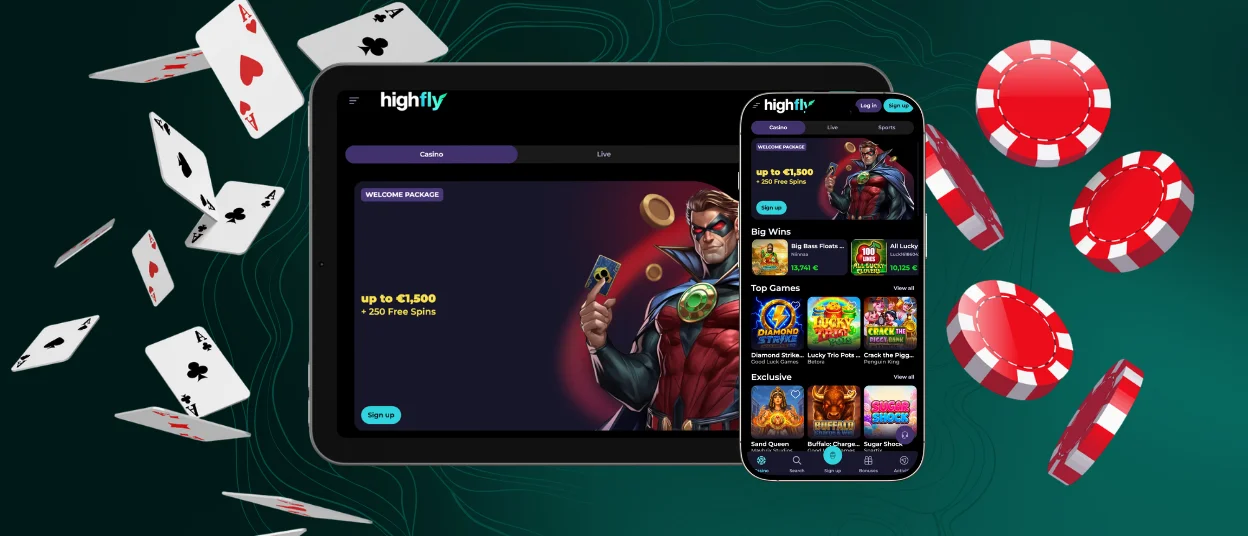
Highflybet App for iOS
To get started on your iPhone and iPad, you don’t need to do anything complicated. No need to go through the App Store, just download the Highflybet app directly. All you need to do is visit our official website and tap the “Share” button; then, you’ll need to choose a name and tap “Add to Home Screen.” In a couple of seconds, you’ll be able to proceed to log in, after which you’ll have access to all features, including the ability to explore detailed information about top online slots from leading developers, even on mobile devices. You can also complete the verification process, deposit and withdraw funds from your Highfly Bet account, and much more.
Desktop Experience
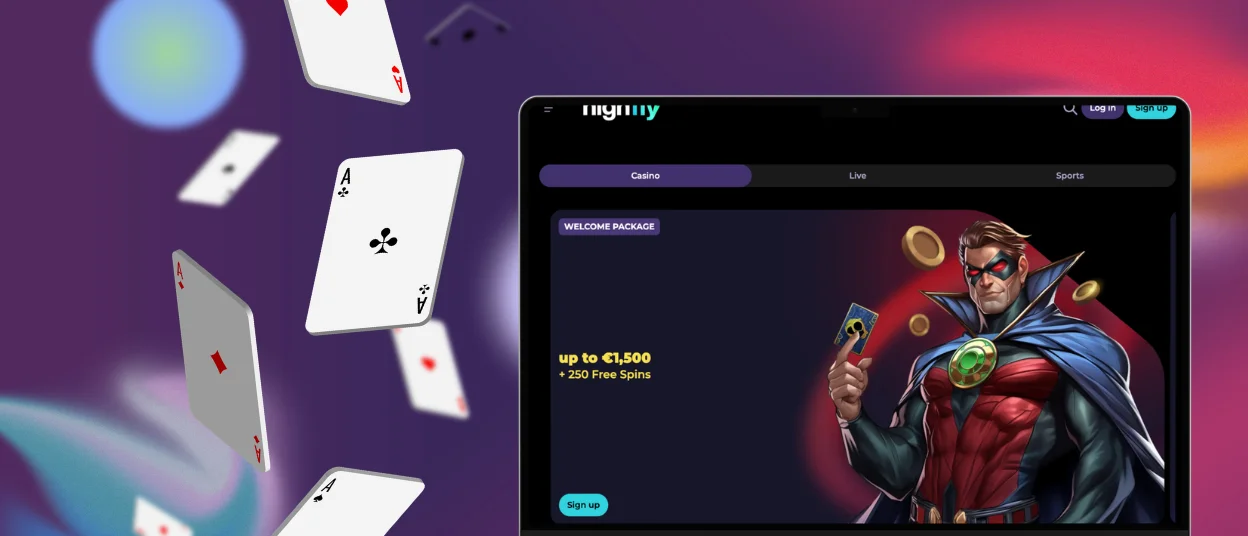
Installing Highflybet Casino on your personal computer also has many advantages. You can log in to the app directly, without wasting time typing in the URL. Optimized loading times and full-screen mode let you appreciate the full extent of the game developers’ talent, ensuring the most immersive experience possible. To download the Highflybet Casino application, all you need to do is find the button in the address bar on the official website; once you click it, the icon will appear on your desktop.
Any Problems?
You may have encountered questions or issues during this or other processes at Highflybet Casino. That is why our support team is available to help you troubleshoot common issues like device compatibility and clearing cache at any time. If the problem is minor, you can contact us through live chat and one of our reps will respond right away. If the issue is more serious, we will email you instructions on how to fix it. If English isn’t your native language, you may need multilingual support, which is also available at Highfly Bet.
FAQ
Can I use biometric login in the Highfly Bet app?
The Highfly Bet app does not support biometric login. To make logging in easier, you can use autofill, which will also let you log in in just a second.
Can I use my PC account to log in to the mobile app?
When you create a profile at Highflybet, it is universal and can be used on all devices supported by the site. Issues may arise only if you try to start a game simultaneously on multiple devices, so we ask you to avoid this to prevent abuse.
Is my balance updated in real time across all devices?
Your balance, as well as all other content on the platform, is updated automatically and instantly through the Highbet app. You don’t need to install anything or waste your time; you can enjoy spending it on the platform instead.


